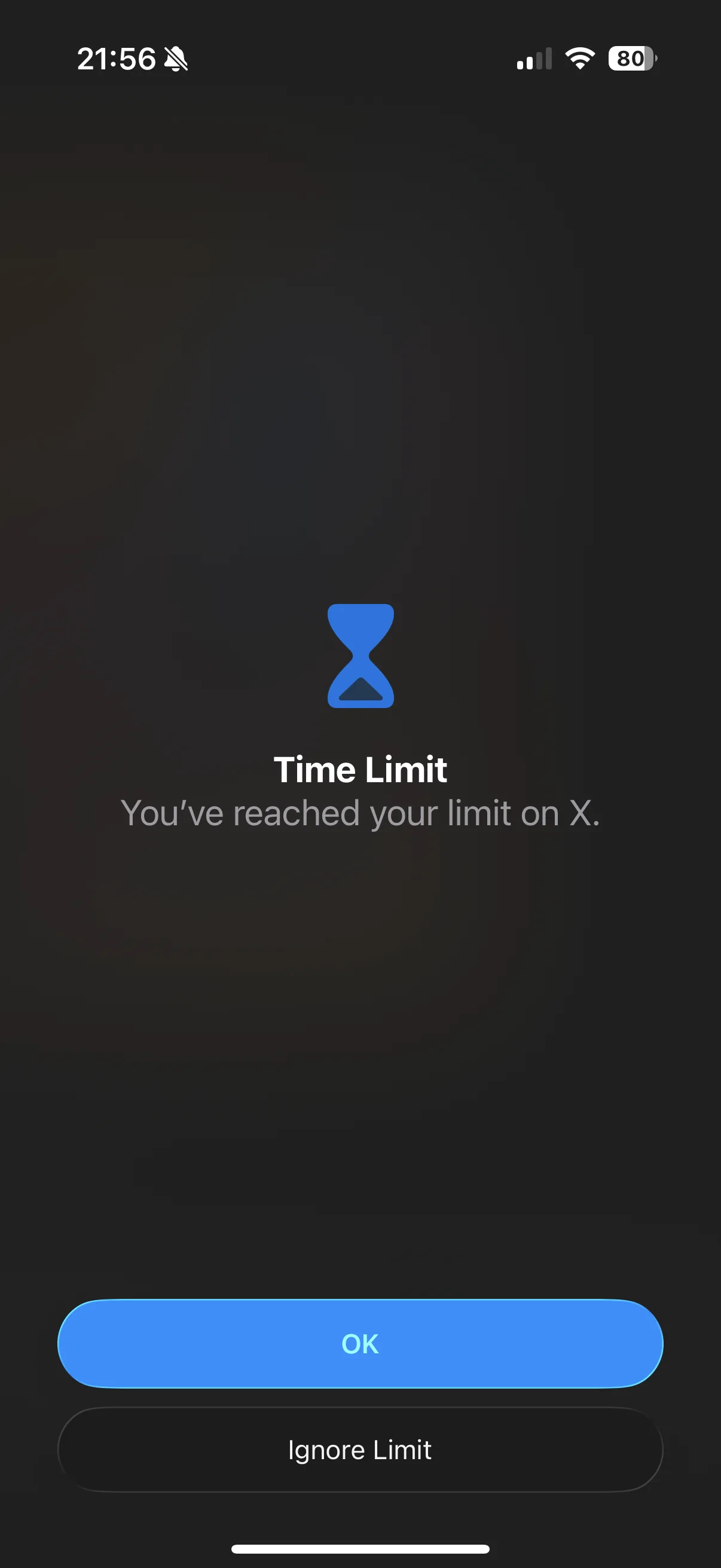
I am very good at ignoring Screen Time.
I would reach the limit, get the warning, tap Ignore Limit, and go straight back into the app I had supposedly decided not to use. Sometimes I chose another minute first, as if that made the whole thing more responsible.
Screen Time was doing its job. I was the one pressing the button that made it stop.
After doing this enough times, I started looking at physical app blockers. Moving the unblock button away from the phone seemed like a good idea. At least I would have to get up.
Then I saw the price.
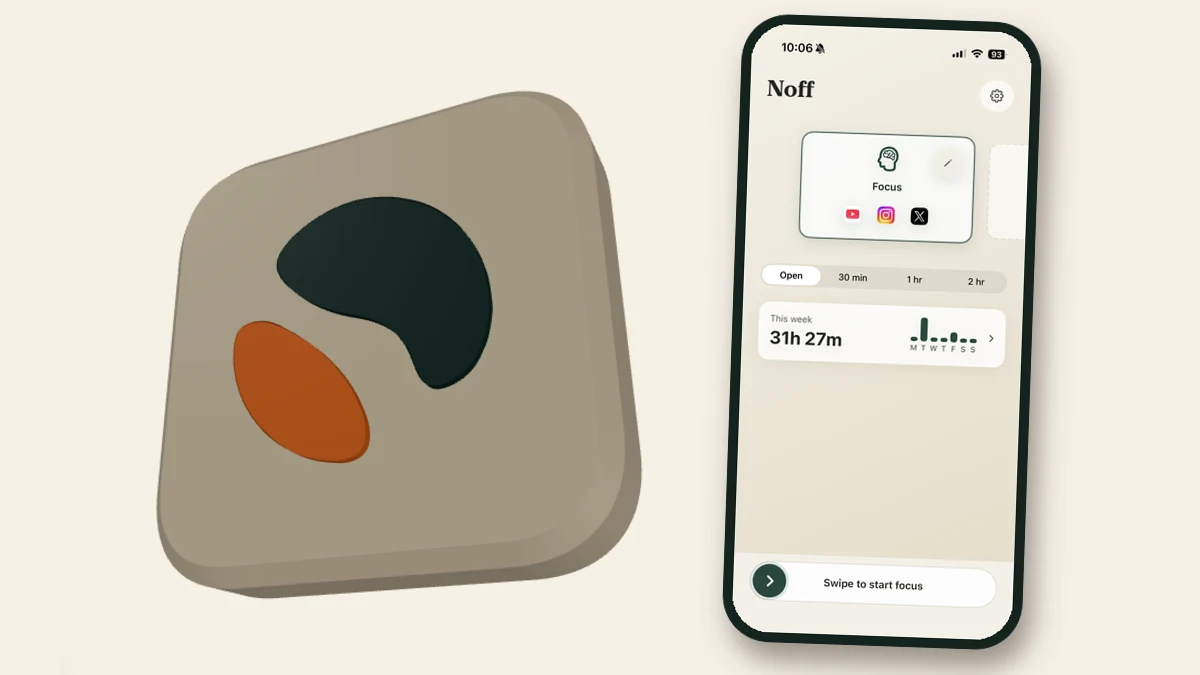
I did not want to pay €50 for an NFC tag#
Several of the physical blockers I found cost €50 or more. I already had cheap NFC tags at home. I was not paying for another one inside a nice-looking square.
There were free alternatives too. Foqos is open source and already does more than the app I had in mind. Installing it and stopping there would have been the sensible choice.
Instead, I made Noff.
In the end, I probably spent more on Codex tokens and Apple's developer fee than the blocker would have cost. Great way to save €50.
How Noff works#
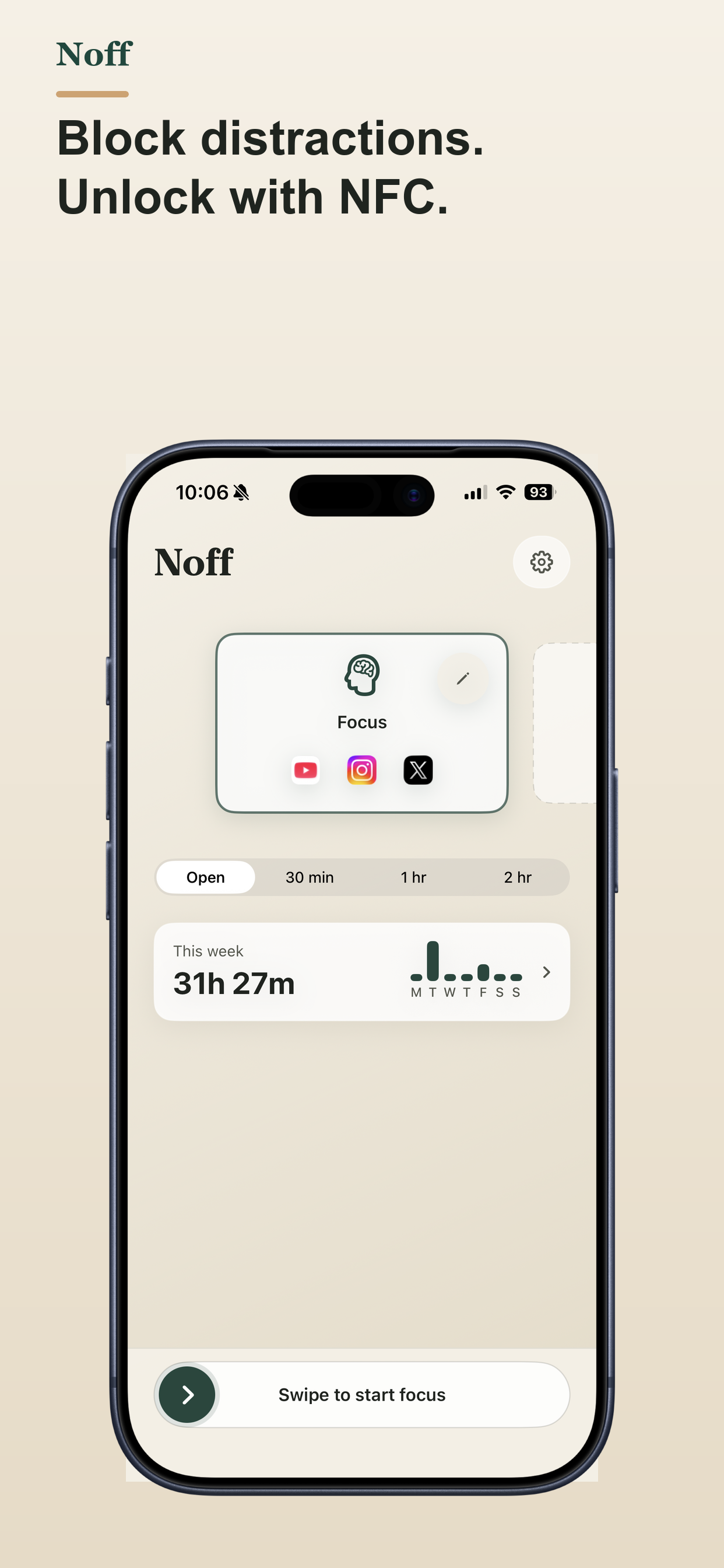
I make a profile, choose the apps and websites I want to block, pair one of my NFC tags, and swipe to start.
I can set a timer for 30 minutes, one hour, or two hours. If I start a session without a timer, I need the tag to stop it.
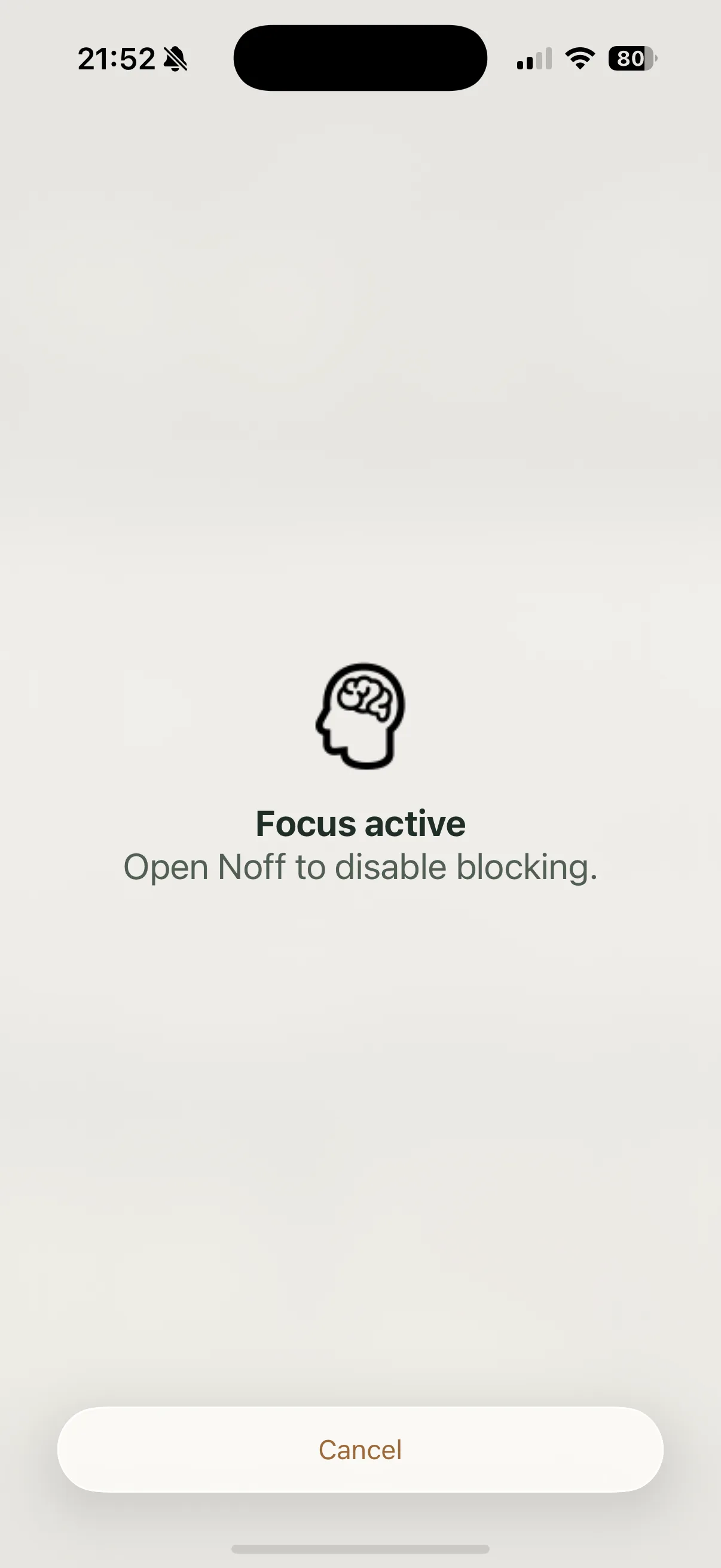
The token stays in my office#
Before going to bed, I start Noff and leave the NFC token in my office. In the morning I still do the automatic thing: wake up, grab my phone, and try to open something.
The apps are blocked, and the thing that unlocks them is in another room.
If I really want access, I have to get out of bed, walk to my desk, and scan the token. By that point I am already up and usually do not bother. My morning starts without a screen simply because I left a small piece of plastic in the right place the night before.
The same trick works on the couch: Instagram is usually not worth a trip back to the office. I leave the token in one place and let laziness work in my favour. It sounds silly, but it works.
Profiles and metrics#
I do not always want to block the same apps, so I made profiles. I can have one for work, one for reading, or whatever I need. I did not want automations, an account, or anything that stopped working offline.
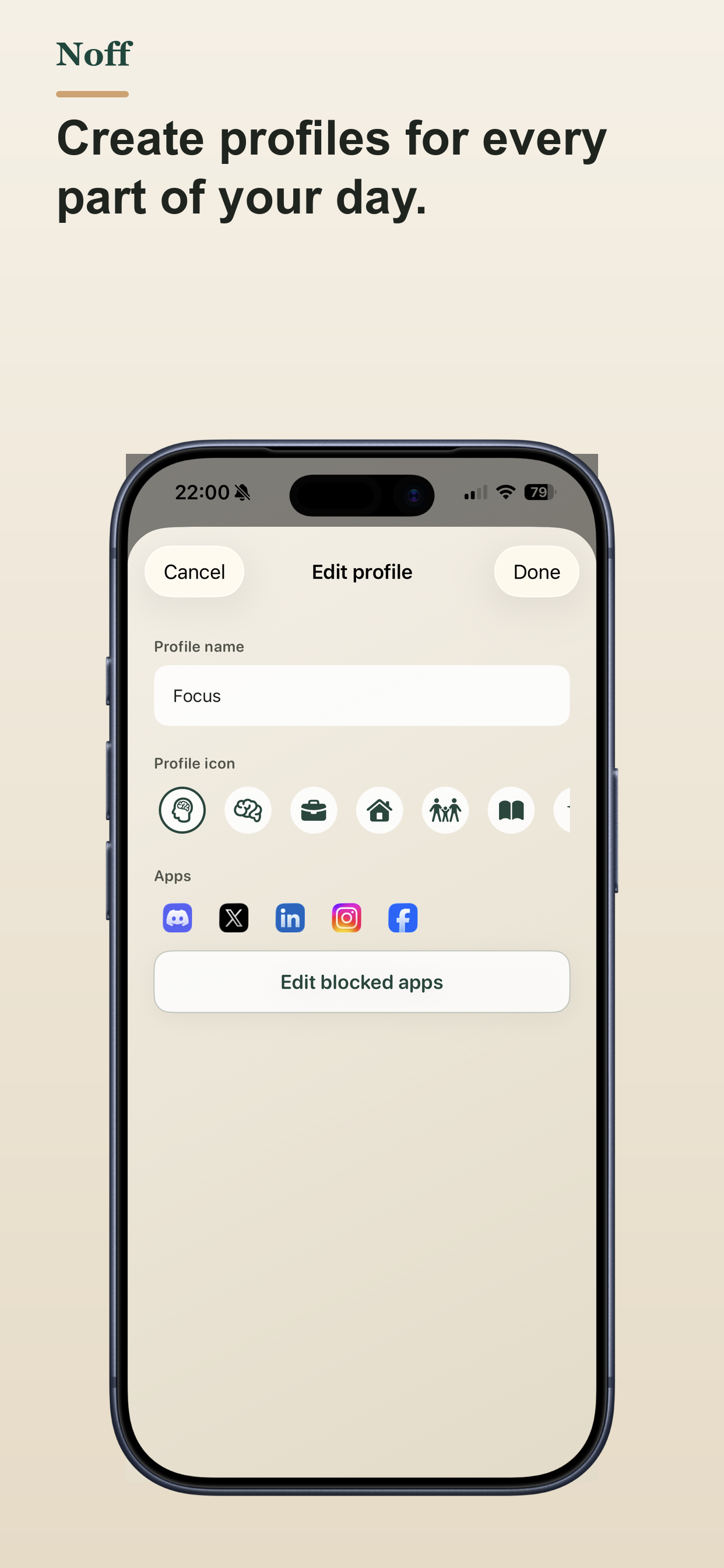
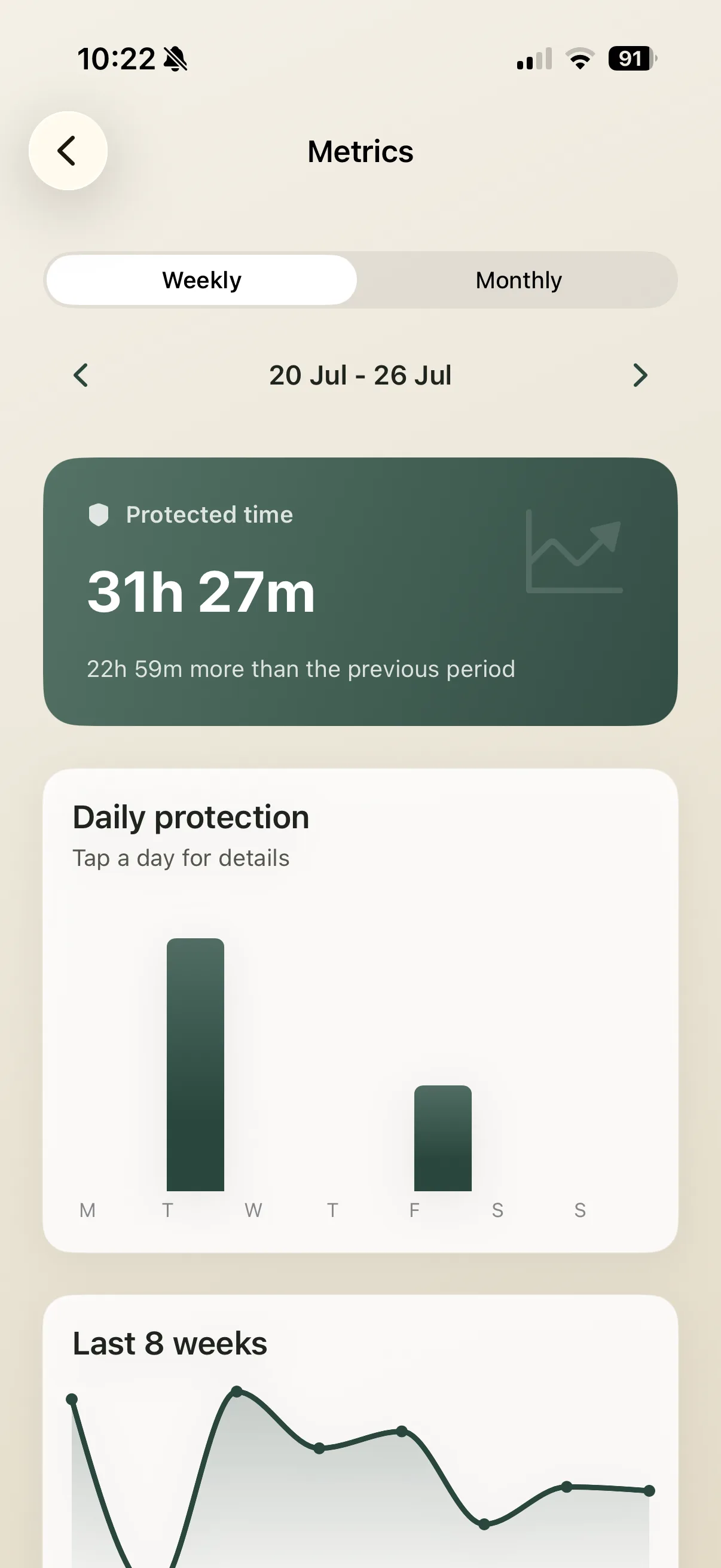
I added weekly and monthly totals mostly to check whether leaving the token in my office was actually making a difference.
What if I lose the tag?#
At some point I am going to lose the tag. Also, if Noff always gave me an emergency button, I know I would start using that instead.
So I made the backup options annoying on purpose:
- I get three emergency skips each month, not an unlimited button.
- They are not available during the first ten minutes of Focus.
- A skip can pause blocking for 15, 30, or 60 minutes, or stop Focus completely.
- After using one, I have to wait six hours before using another.
- If I lose the tag, I can start a separate recovery with a 24-hour wait.
I spent much more time than I would like to admit on the haptic feedback. The normal swipe gives a little tick when it reaches the end. Using an emergency skip is different: I have to hold a red button for ten seconds, and the phone vibrates harder as the countdown gets closer to zero.
It feels a bit like the phone is telling me that something is going wrong. Ten seconds is long enough to notice what I am doing and let go. I know this is a lot of effort for a vibration, but I really like it.
Why I charge for it#
Noff is free to download and costs €9.99 to unlock. There is no subscription and no Noff-branded NFC square to buy.
I made it for myself, my family, and friends. If it pays back the Codex tokens and my Apple Developer membership, I am happy. That is the business plan.
Should you buy it?#
Maybe. If you keep overriding Screen Time and want the tag somewhere inconvenient, Noff might help. Otherwise, save your money.